



Herospin Login & Account Registration
Herospin login is the entry point to a Herospin account, where players sign in or register to reach the casino’s slots, live tables, jackpots, and their personal dashboard. From this page, players create a new profile in a few steps or return to an existing one and pick up where they left off. Every action inside a Herospin Casino account starts here.



Herospin Registration
Registering at Herospin Casino unlocks the full game library and everything that comes with an account. Players manage deposits and withdrawals from a personal dashboard, build a gameplay history that counts toward VIP Levels, and take part in ongoing Missions and Challenges. Account ownership also opens up the Wheel of Fortune and the Shop, where collected coins convert into rewards.
Create Your Herospin Account
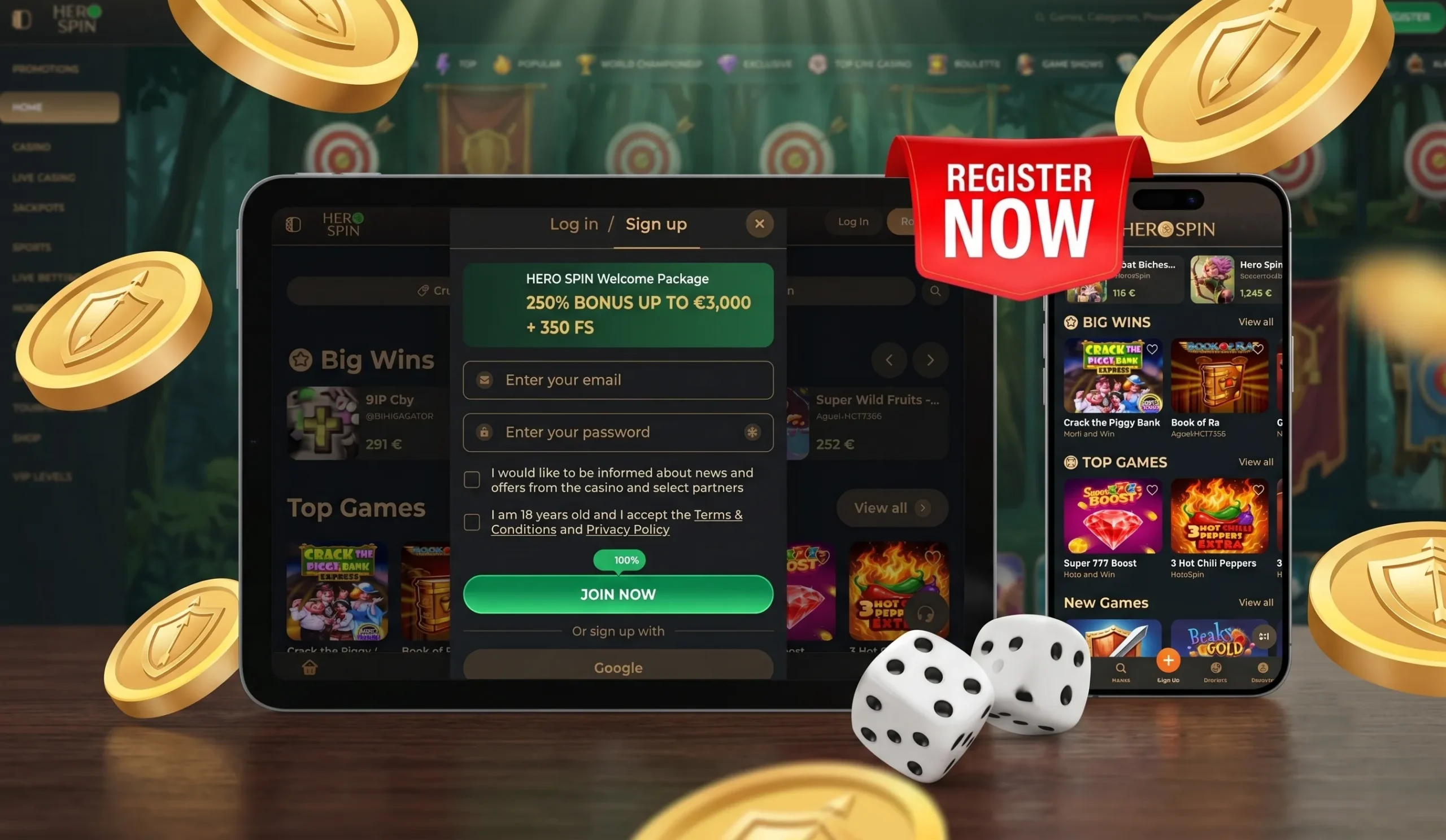
Setting up a Herospin account takes a few minutes through the registration form on the homepage. The steps below follow the standard sign-up flow:
- Open the registration form from the Herospin homepage.
- Enter an email address and create a password.
- Choose one of the available welcome bonuses.
- Accept the Terms and Conditions and confirm registration through the verification link sent by email.
- Confirm the date of birth and country of residence.
The full account becomes active once the email is confirmed.
Herospin Login and Account Management
Returning players complete a Herospin login with their registered email or phone number and password from the login button on the homepage. Inside the account, the dashboard brings together balance, bonus progress, and account settings in one place, with multilingual support available across the interface and Support Team communication.
| Account area | What it covers |
|---|---|
| Profile | Personal details, password and email management |
| Payments | Deposit history, withdrawal requests, saved methods |
| Bonuses | Active offers, wagering progress, Missions and Challenges status |
| Security | Two-factor authentication, login activity, session history |
Language settings, favorite games, and tournament participation are also managed from the same dashboard, so a Hero Spin login gives access to the full account in a single session.
Why Accounts Get Suspended
A Herospin account can be paused or restricted for a handful of specific reasons, most of which are tied to security or fair play. We’ve outlined the most common triggers below, along with what leads to each one.
| Reason | Explanation |
|---|---|
| Unusual login activity | Repeated failed sign-in attempts or access from an unrecognized location can trigger a temporary lock while the account is reviewed. |
| Wagering or bonus abuse | Breaking wagering rules, placing bets over the maximum limit during a promotion, or misusing an offer leads to a restriction. |
| Duplicate accounts | Only one account per player and household is allowed at Herospin — a second profile with matching details ends in suspension. |
| Payment mismatch | Access pauses for review when a chargeback comes in or payment details don’t line up with the account holder’s identity. |
| Self-exclusion or limits reached | The account locks automatically once a player activates self-exclusion or hits a responsible gaming limit they’ve set. |
Forgot Your Password?
Resetting a Herospin Casino password takes just a few steps. Players click “Forgot Your Password” on the login page, and we send a reset link to the registered email. Following that link opens a form for setting a new password, which takes effect right away — the next login works with the updated credentials immediately.
Account Security and Two-Factor Authentication
We protect account data with encryption across every connection at Herospin Casino. Two-factor authentication (2FA) adds a one-time code to every Herospin login on top of the password, so a stolen password alone isn’t enough to get in. Players can turn 2FA on or off from the security section of the profile, and we recommend keeping it enabled at all times.
A few habits keep an account safer on the player’s side as well:
- use a unique password not shared with other accounts;
- never share login details, verification codes, or 2FA codes with anyone;
- check transaction history regularly and report anything unfamiliar to the Support Team.
Verification at Herospin Casino
The verification process confirms a player’s identity. Herospin requests a valid ID — passport, national ID card, or driving license — and proof of address, such as a recent utility bill or bank statement. Documents get submitted through the verification section of the personal account, with a review that typically completes within 10 days. Players keep playing while documents are under review, but withdrawal requests stay on hold until verification clears. The live chat and Support Team stand ready throughout the process for any questions about accepted document formats.
FAQ
What happens if I forget my Herospin password?
Use the “Forgot Password” link on the login page to reset it. A confirmation email arrives within a few minutes, and the new password takes effect as soon as it’s confirmed.
Can I change my password or email address?
Yes, both details are editable from the profile settings inside the personal account. Saving a new password activates it instantly, while a new email address needs a click on the confirmation link sent to it first.
What should I do if my Herospin Casino account is locked?
Locked accounts get unlocked by the Support Team through live chat or email — an identity check clears the lock no matter which reason caused it.


