



Herospin App
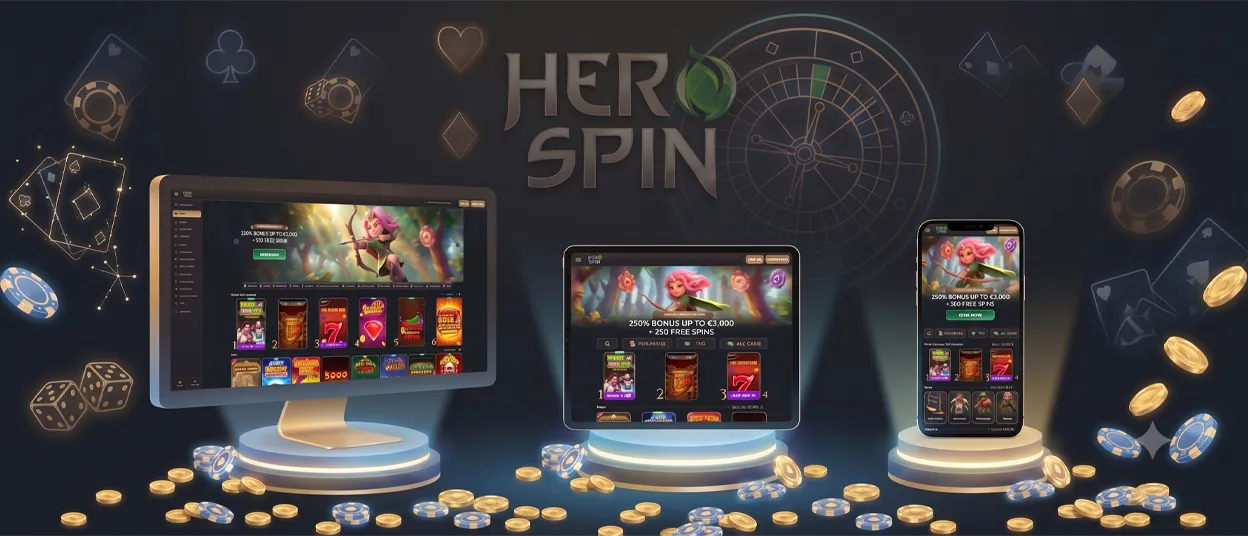
The Herospin app puts the full casino experience on any device you pick up — phone, tablet, or computer. It runs as a Progressive Web App, so there’s no store listing to find and no file to download before you play. Add it to your home screen once, and every device opens the same games, balance, and account.


Why Herospin Runs as a PWA
The Herospin app puts the full casino experience on any device you pick up — phone, tablet, or computer. It runs as a Progressive Web App, so there’s no store listing to find and no file to download before you play. Add it to your home screen once, and every device opens the same games, balance, and account.
| Reason | What It Means for You |
|---|---|
| Loads through the browser, not your device’s memory | A native app copies its full program onto your phone or computer. A PWA pulls the casino from the web each time, so the shortcut barely touches your storage. |
| Refreshes itself on every visit | Downloaded apps usually wait for you to approve an update before new features or fixes apply. Herospin loads the current version of the site automatically, so you’re always on the latest build without a prompt. |
| Runs on your browser’s permissions, not new ones | A separate app install often means granting it fresh access to your camera, contacts, or files. The PWA works within the permissions you already gave your browser, so there’s nothing extra to approve. |
| Works the same on every operating system | Building a dedicated app means separate versions for Android, iOS, and desktop. Herospin runs from one PWA, so Android, iOS, Windows, and macOS all get identical functionality. |
Hero Spin App for Android
Android phones and tablets running a modern version of Chrome support the Herospin app. Installation takes under a minute.
How to install the Herospin app on Android:
- Open Chrome and go to the website.
- Tap the menu — three dots in the top-right corner.
- Tap “Add to Home Screen.”
- Confirm with “Add.”
The icon appears on your home screen. Tap it to open Herospin Casino directly, without typing the address each time. The app adapts to your screen size automatically, so it works the same on a compact phone and a larger tablet.
We don’t offer a Herospin APK download. The PWA is a safer and more reliable way to reach the casino — no unknown files to install, no manual updates to track. If you run into any issues during setup, our Support Team is available via live chat to help.
Hero Spin App for iOS
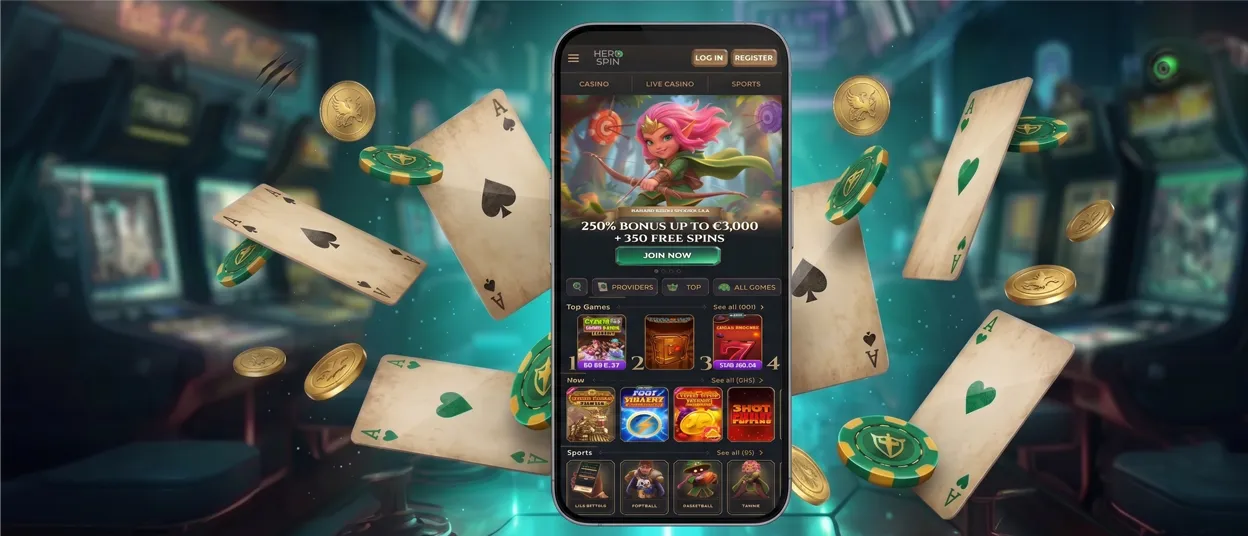
iPhone and iPad users add the Herospin app to the home screen through Safari. The process takes about a minute.
How to install Hero Spin on iPhone or iPad:
Open the website in Safari.
Tap the Share icon at the bottom of the screen.
Find “Add to Home Screen” in the list and tap it.
Tap “Add.”
The icon appears on your home screen alongside your other apps. Tap it to open Herospin Casino directly, in full-screen mode with no Safari toolbar in view. The same online slots, live casino tables, and jackpots are available as on Android.
Herospin Casino for Windows/macOS
For PC, there’s nothing to install by default — open the website in any modern browser and the full lobby loads straight away. For quicker access, you can install the PWA from Chrome, Safari, or your preferred browser: click the install icon in the address bar, and the Herospin app opens in its own dedicated window from that point on.
| Feature | Details |
|---|---|
| Runs without a browser | Opens as a standalone app, separate from browser tabs |
| Full game library | Every slot, live casino table, and jackpot from mobile |
| Easy navigation | All game categories are one click away |
| Live casino | A larger screen makes it easier to track live tables |
| Same account | Balance and progress stay synced with the Hero Spin mobile app |
One Account Across All Devices
Your account works the same on every device. Log in on your phone and continue on your laptop — your balance, bonus progress, and game history stay in sync. The gamification features carry over too: Missions, the Wheel of Fortune, Tournaments, and the Shop are all one tap away from the home screen shortcut.
FAQ
Does the Herospin app support push notifications for bonuses and tournaments?
Yes. Once installed on the home screen, the app can send notifications about active promotions and tournament updates, the same way a native app would.
Will the Hero Spin PWA run smoothly on older devices?
The PWA works on most devices with an up-to-date browser. Older phones may see slower load times on graphics-heavy slots, but core functions — login, deposits, gameplay — work fine. Keeping the browser updated gives the best gaming experience.
Are my deposits secure when using the Herospin mobile casino app?
Yes. Every transaction through the app goes through the same encrypted connection as the desktop site. Payment details are never stored on the device — they pass directly to the payment processors, and any account changes go through our standard verification process.
Does installing the Hero Spin app take up storage space on my phone?
The PWA shortcut uses minimal storage since it loads content through the browser rather than storing a full application package on the device. For any other questions, live chat with our Support Team is available directly from the app.


